
Built to stay out of
your way.
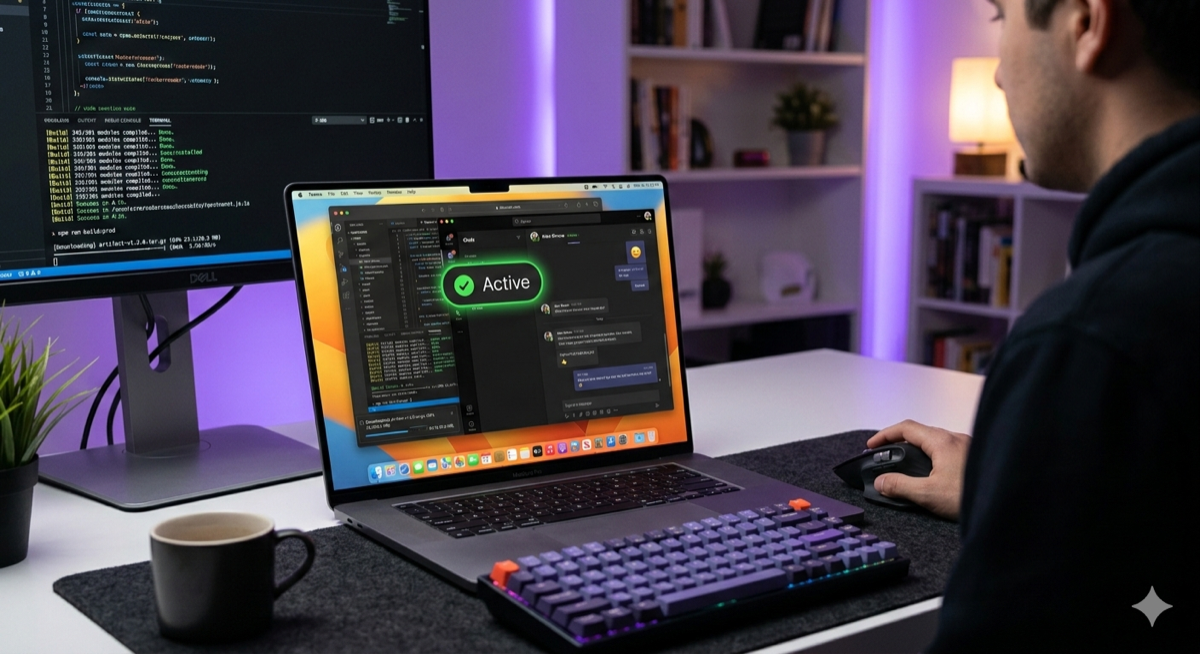
NoAway is designed to solve one problem simply: keeping your computer active when you need it, with minimal setup and no unnecessary complexity. Read our guides to prevent computer sleep, keep Teams active, and keep Slack active.
Features
Lightweight Tray App
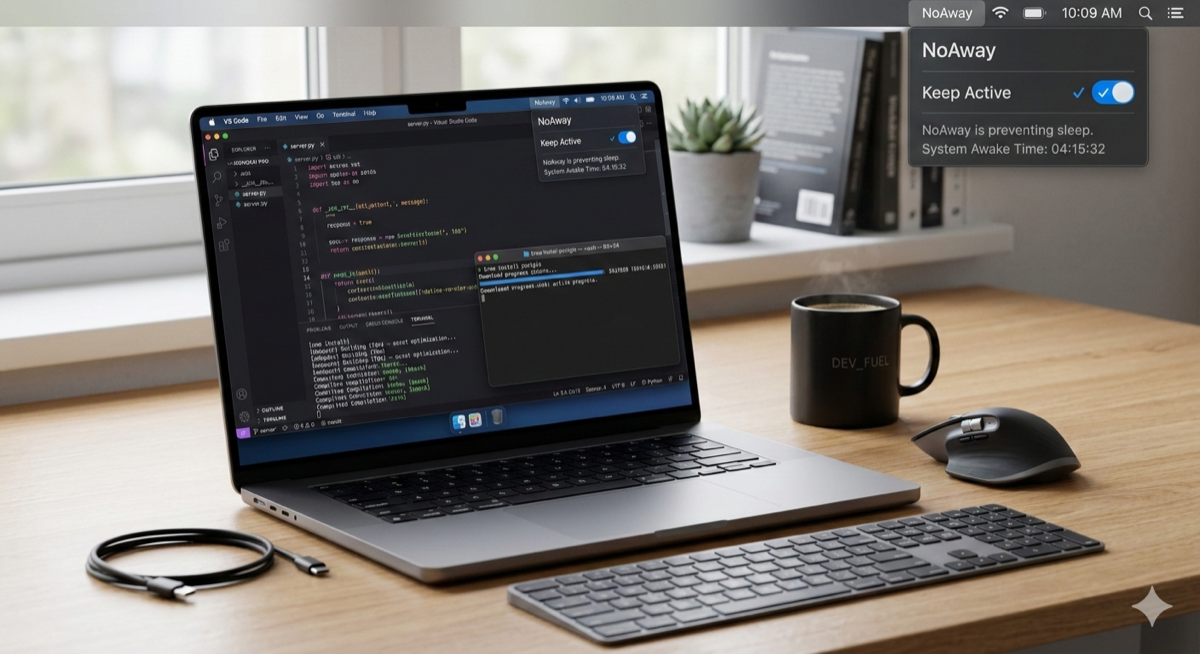
NoAway lives in your menu bar on macOS and in your system tray on Windows, so it's always available without interrupting your workflow.
Mac & Windows
NoAway works on both macOS and Windows, giving you the same simple experience across your devices.
Minimal Resource Usage
NoAway runs quietly in the background and is designed to use very little CPU and memory during normal use.
Simple Setup
Install it, activate it, and turn it on. No complicated setup, no hidden system menus, and no need to constantly adjust power settings.
Automatic Startup
Launch NoAway automatically when your computer starts, so it's ready whenever you need to stay active.
Scheduled Wake
Keep your computer active for a fixed amount of time — perfect for downloads, builds, presentations, or long-running tasks.
Built for real work
NoAway is built for people who spend long hours at their computer and need a simple way to prevent idle interruptions during important work. It stays out of the way, starts quickly, and fits naturally into everyday workflows.
- check_circle Runs quietly in the background
- check_circle Simple tray-first design
- check_circle Designed for long work sessions
- check_circle Works across macOS and Windows
How it compares
Why use NoAway instead of changing system sleep settings manually?
| Feature | Standard OS Settings | NoAway |
|---|---|---|
| Activation | Requires opening system settings | One click from the tray or menu bar |
| Temporary usage | Manual changes you need to remember to undo | Scheduled Wake presets for fixed durations |
| Visibility | Often hidden inside system menus | Always accessible while you work |
| Daily workflow | Built for system-wide settings | Built for work sessions, downloads, and long tasks |
Fits your daily routine
Whether you're working remotely, building software, presenting, or downloading large files, NoAway helps you stay uninterrupted.
Long Builds & Renders
Keep your computer active while builds, exports, or rendering jobs run in the background.
Presentations & Meetings
Prevent your computer from going idle during webinars, presentations, or long calls.
Large Downloads & Transfers
Let downloads and large file transfers finish without your computer going idle at the wrong time.
Remote Work Sessions
Stay active and avoid unnecessary interruptions while you work through long tasks at your desk.
Stay active when it matters most.
A simple tool for keeping your computer active during work, meetings, downloads, and long-running tasks.
Launch price €4.99 — Regular price €9.99
One-time purchase. Updates are emailed to buyers with a direct download link.
On your phone? Email yourself the link and buy on your computer.
Mac & Windows · one-time payment · instant download after purchase